
Download Peer2mail – Email Download Manager, File Retrieval Tool, High-Capacity Email Utility
Overview
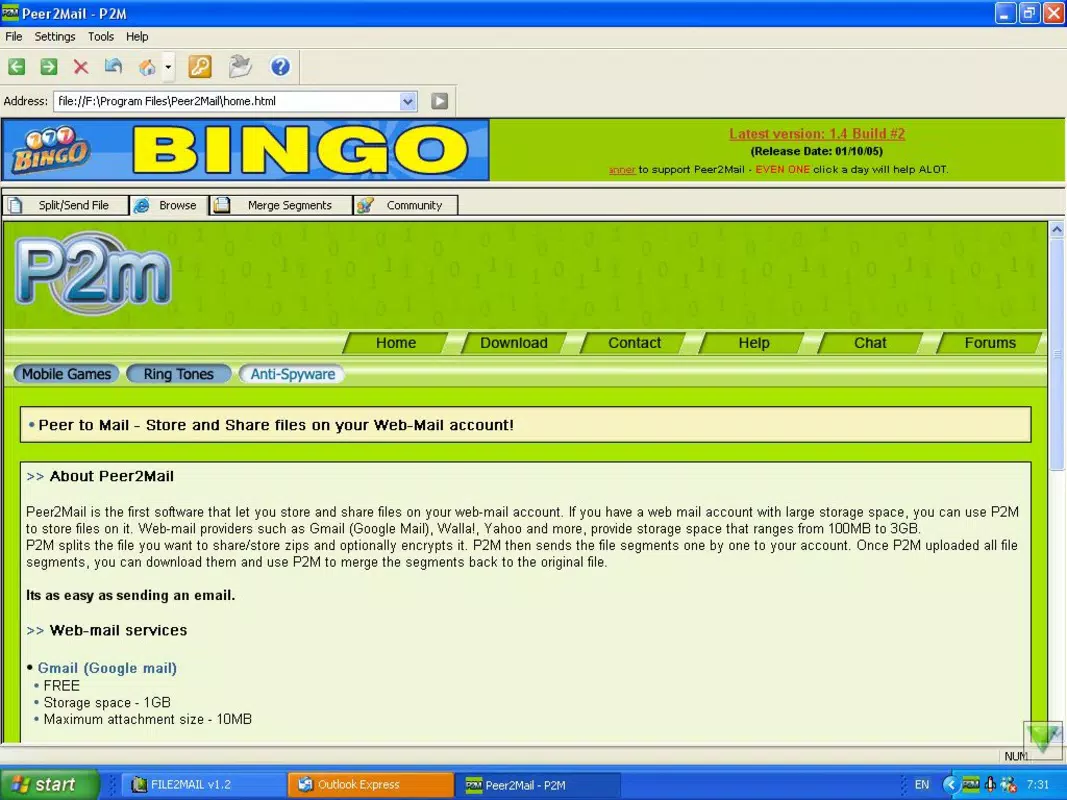
Peer2mail is a specialized mobile application designed to streamline the process of retrieving large file attachments from high-capacity email accounts such as Gmail and Yahoo. By enabling direct integration with email servers, the app eliminates the limitations often encountered when downloading sizable files through standard email clients. This functionality is particularly valuable for users who frequently receive large documents, media files, or compressed archives via email, where traditional interfaces may struggle with slow download speeds, timeouts, or storage constraints.
The app targets individuals and professionals who rely on email as a primary method of file exchange, including remote workers, digital creatives, researchers, and administrative staff. Its core purpose is to enhance efficiency by simplifying the file retrieval workflow. Users can connect to their preferred email server, authenticate with login credentials, select a destination folder, and initiate downloads with minimal steps. This makes Peer2mail a practical utility for anyone seeking a faster, more reliable alternative to browser-based email downloads.
Although the developer did not provide additional background information, the app’s release date of August 29, 2007, suggests it has been in service for over 15 years, indicating a long-standing presence in the productivity tool ecosystem. Its continued relevance points to a stable and functional design. The app operates as a dedicated file retrieval tool, filling a niche gap in the mobile email experience by focusing exclusively on efficient attachment management.
Key Features & Functionality
- Easy Server Selection: Users can choose from supported email servers, including Gmail and Yahoo, with a simple dropdown or list interface. This feature ensures compatibility with major email platforms without requiring advanced configuration.
- Simple Login Process: The app uses a straightforward authentication method where users enter their email address and password directly. This low-barrier entry supports quick setup, ideal for users without technical expertise.
- Custom Destination Folder: Users have the flexibility to designate a specific folder on their device for downloaded files. This promotes better file organization and reduces clutter in default storage locations.
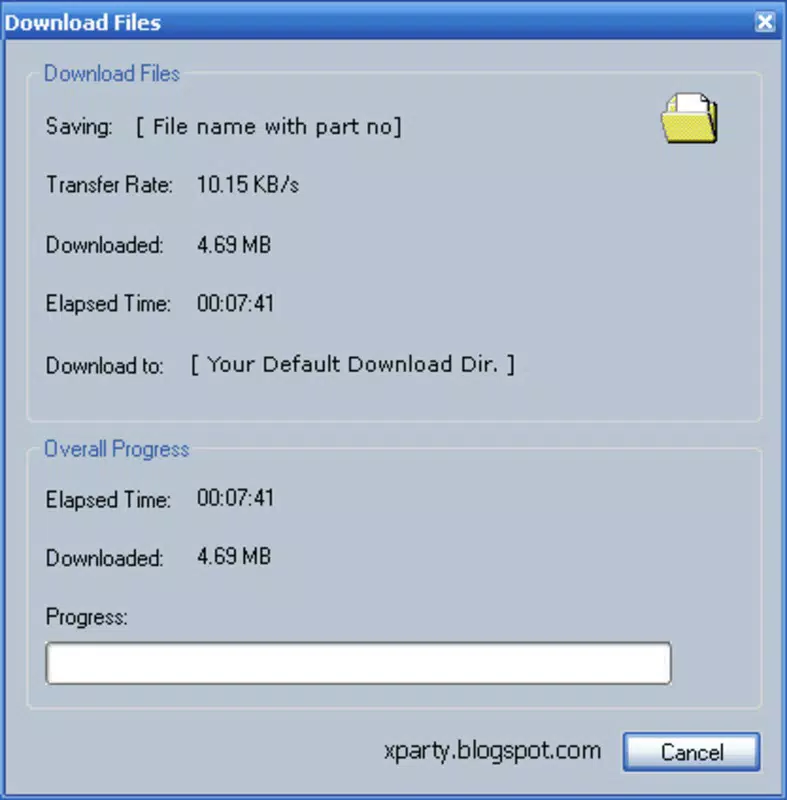
- High-Capacity Downloads: Peer2mail is engineered to handle large attachments efficiently. It supports the retrieval of sizable files that may be difficult to download via standard email clients due to bandwidth or timeout limitations.
- User-Friendly Interface: The app features an intuitive layout designed for ease of use across all skill levels. Navigation is direct, with clearly labeled options and minimal onboarding steps.
For example, a graphic designer receiving a 500 MB project file via Yahoo Mail can use Peer2mail to download it directly to a designated "Projects" folder without relying on a web browser or risking connection drops. Similarly, a researcher managing large datasets from academic collaborators can efficiently retrieve files without the delays common in mobile email clients.
Interface, UX & Performance
Peer2mail presents a clean and minimal interface focused on core functionality. The layout emphasizes simplicity, with key actions—server selection, login, folder choice, and download initiation—organized in a logical sequence. Visual design elements are functional rather than decorative, reducing cognitive load and supporting quick task completion.
Navigational flow is linear and predictable. Users progress from server setup to authentication, then destination selection, and finally download execution. This step-by-step approach minimizes confusion and supports consistent user experience. The app avoids unnecessary menus or pop-ups, maintaining a streamlined workflow.
Although the developer did not list formal performance metrics, the app’s long-standing availability suggests a stable and reliable operation. It is designed to function efficiently on various device categories, from standard smartphones to higher-end models. Responsiveness appears to be optimized for real-time interaction, with minimal lag during setup and download initiation. Stability is implied by its continued use over many years, though specific crash reports or error handling details were not disclosed.
Platform Compatibility & Technical Requirements
Peer2mail is available for mobile platforms, though the specific operating system was not fully disclosed. The app’s file size and software version were not provided in the input data. The developer did not specify minimum OS requirements or compatibility details for different device models.
Given the release date of August 29, 2007, the app likely supports older versions of Android and possibly iOS, though this cannot be confirmed. Users should verify compatibility with their current device and OS version before installation. The lack of detailed technical specifications means that users should proceed with caution and ensure their system meets general mobile app requirements.
Pros and Cons
Pros
- Efficiently downloads large file attachments from email accounts
- Supports popular email services like Gmail and Yahoo
- Simple, intuitive interface suitable for all user levels
- Allows custom folder selection for organized file storage
- Designed specifically for high-capacity email file retrieval
Cons
- Developer did not provide detailed technical specifications
- Compatibility with current OS versions is not confirmed
- No information on update frequency or support status
- Authentication process may require manual entry of credentials
- Limited visibility into performance under heavy load or network instability
FAQ
Is Peer2mail secure for accessing email accounts?
The app requires users to enter their email credentials directly. While the developer did not disclose encryption or security protocols, users should ensure they are using trusted devices and networks when entering login details.
Can I use Peer2mail on both Android and iOS?
Platform availability was not specified. Users should check compatibility with their device’s operating system before attempting installation.
Does Peer2mail support automatic updates?
Information about update frequency or auto-update functionality was not provided. Users should manually verify the latest version if available.
What file types can Peer2mail download?
The app is designed to handle various file types, particularly large attachments. Specific supported formats were not listed in the input data.
How do I set up Peer2mail on my smartphone?
Setup involves selecting your email server (e.g., Gmail or Yahoo), entering your email address and password, choosing a local destination folder, and starting the download process.
Final Thoughts
Peer2mail stands out as a focused utility for users who regularly manage large file attachments through email. Its straightforward design, direct server integration, and support for major email platforms make it a valuable tool for enhancing productivity. While technical details such as OS compatibility and performance metrics are limited, the app’s long-standing presence suggests reliability and functional stability.
Professionals, creatives, and researchers who depend on fast, dependable access to large email files will benefit most from this tool. Its ability to bypass the limitations of standard email clients offers a tangible improvement in workflow efficiency. For those seeking a dedicated solution to streamline file retrieval, Peer2mail delivers a practical and focused experience.
Download Peer2mail now


